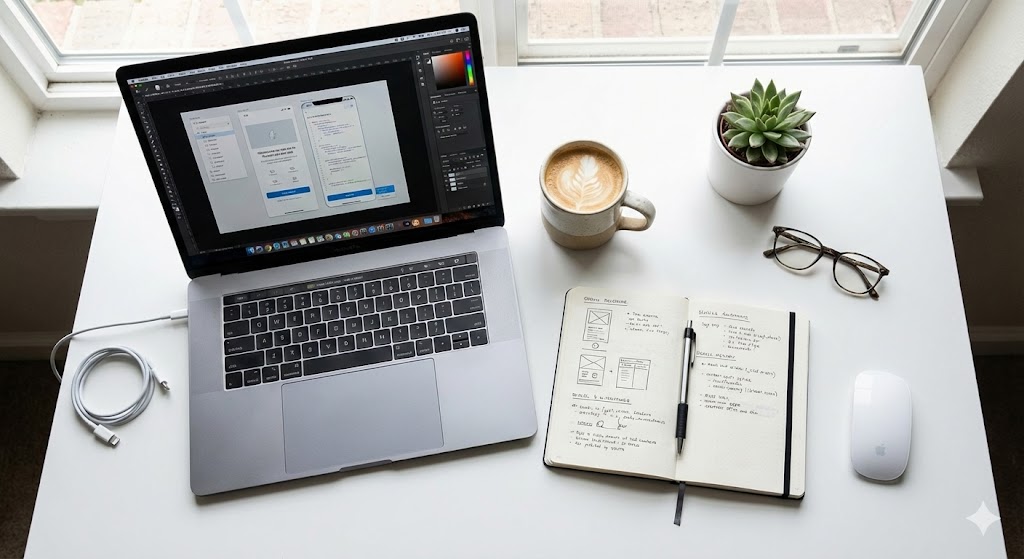
## The Next Era of Creative Tools is Here
The announcements from Adobe Max 2025 mark a significant shift towards an open, AI-powered creative ecosystem. For designers and video editors, this update introduces capabilities that fundamentally change how we approach image and video manipulation.
The core philosophy is interoperability and natural language control. You are no longer limited to Adobe's native AI; you can now harness the power of specialized third-party models directly within your familiar Photoshop and Premiere Pro interfaces. Let's break down the five most impactful features.
## Understanding the New AI Paradigm
To fully leverage the Adobe Max 2025 updates, it's crucial to grasp the underlying concepts.
External AI Model Integration
This feature breaks down walled gardens. Photoshop now acts as a hub, allowing you to call upon models like Google's Gemini or specialized tools like Nano Banana Pro for specific tasks. This means choosing the best tool for the job, whether it's for conceptual generation or technical enhancement.
Natural Language Processing (NLP) Advancement
Editing is becoming conversational. Both Firefly and Premiere Pro's media search now understand intent through simple commands like "remove the background" or "find all clips with a red car," drastically reducing complex menu navigation.
Enhanced Real-Time Collaboration
Cloud-based workflows are more robust, enabling seamless, live collaboration between team members across different locations, streamlining review and approval processes.

## Comparative Analysis of Key Adobe Max 2025 Features
Evaluate which new feature best suits your primary workflow with this detailed comparison table.
| Feature Name | Primary App | Key Capability | Expected Impact |
|---|---|---|---|
| External AI Model Access | Photoshop | Directly utilize third-party AI models (e.g., Gemini, Nano Banana Pro) | ⭐⭐⭐⭐⭐ |
| Harmonize | Photoshop | AI automatically analyzes and blends color tones for composite images | ⭐⭐⭐⭐ |
| Generative AI Upscaling | Photoshop | Use external models (e.g., Topaz) for high-resolution image enlargement | ⭐⭐⭐⭐ |
| Natural Language Media Search | Premiere Pro | Search your footage using descriptive phrases | ⭐⭐⭐⭐⭐ |
| Object Mask | Premiere Pro | Automatically detect and mask specific objects within video footage | ⭐⭐⭐⭐⭐ |
| Firefly Natural Language Edit | Photoshop | Edit images by describing changes (e.g., "change the background to a beach") | ⭐⭐⭐⭐ |
| AI Background Music Generation | Premiere Pro | Automatically generate original music tracks matching video mood | ⭐⭐⭐ |
Pro-Tips for Implementation
- Model Selection Strategy: Use Nano Banana Pro for image generation/upscaling and Gemini for text-based prompts or analysis within your projects.
- Optimizing Harmonize: For best results, pre-adjust the brightness and contrast of source images to be relatively similar before applying the Harmonize filter.
- Object Mask Efficiency: Create keyboard shortcuts for masking frequently used objects to significantly speed up your editing pipeline.

## Conclusion and Critical Considerations
The Adobe Max 2025 feature set represents a powerful democratization of advanced creative techniques, primarily by lowering the technical skill barrier and increasing workflow efficiency through AI.
Important Checkpoints Before You Start
- Hardware Requirements: Utilizing high-performance AI features, especially external models, may demand a modern GPU with substantial VRAM and ample system RAM.
- Subscription & Cost Awareness: Access to some third-party AI models within Adobe apps may require separate subscriptions or credit purchases. Always verify the pricing model before integration.
- Adaptation Period: Allow time to learn the new interfaces and capabilities. Leveraging Adobe's official tutorials and community forums is highly recommended for a smooth transition.
Embrace these tools as powerful new collaborators in your creative process. By strategically integrating these AI features, you can unlock new levels of productivity and creative expression.